Dorxata moves fast. Sitepager helps quality keep up.
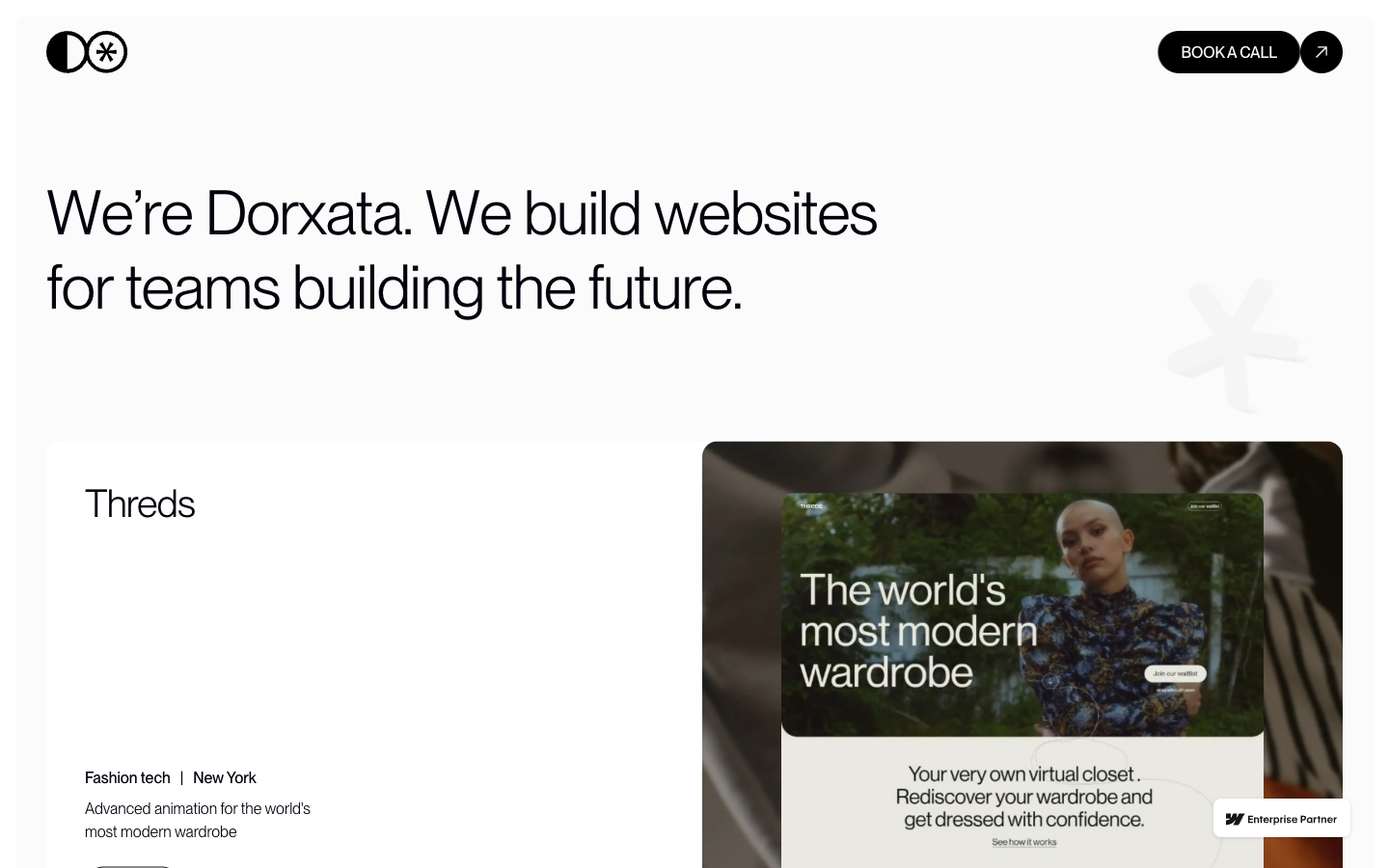
Dorxata is a Webflow Enterprise Premium Partner that builds high-performing client websites. Sitepager gives the team a repeatable, no-code review step across its Webflow sites, helping the team check builds before they go out.
- 38
- Webflow sites reviewed
- 140+
- Site scans run
- 5,500+
- Page checks completed
We already had a strong QA process, but a lot of it relied on manual review. Sitepager gave us another layer of confidence by making visual changes, SEO issues, broken links, and page regressions much easier to spot before a client ever sees them.
Challenge
Keeping the same high standard across every build
Dorxata is a Webflow Enterprise Premium Partner that designs, develops, and optimizes high-performing websites for startups and enterprise teams. The team can kick off a project in a day and put first designs in front of a client within 48 hours.
Maintaining that pace across multiple client websites requires a review process that is just as consistent as the build process.
Dorxata was already serious about quality. The team wanted an easier way to review websites before sharing a build with the client.
They were specifically looking for no-code visual testing that would reduce the amount of page-by-page manual review.
Solution
One review step for every client site
Sitepager gives Dorxata one place to review visual changes, broken links, metadata, page changes, and Lighthouse performance across its client sites.
The team can run a scan, review what needs attention, make fixes, and scan again to confirm the result.
Across Dorxata’s 140+ scans, Sitepager has surfaced roughly 1,370 items for the team to review.
Beyond the numbers, it gives Dorxata one consistent process for its client sites.
The team already reviews every site manually. Sitepager gives us confidence that we haven’t overlooked something small. It has become part of our final QA before we send a build to a client.
What Sitepager catches
What Sitepager helps Dorxata catch
Sitepager surfaces the kinds of issues that are easy to miss when a team is moving quickly:
- Visual changes between versions
- Broken internal and external links
- Missing or incomplete metadata
- Open Graph and social-preview issues
- Missing or duplicated H1s
- Pages added or removed
- Lighthouse performance checks
- Missing canonical tags
Some of these issues are subtle, but together they affect the quality of the final site. Clients may not know what a canonical tag is, but they do notice when a link goes nowhere, a social preview loads without an image, or a layout looks off.
Sitepager brings those checks into one place, reducing the need to jump between tools or rely heavily on page-by-page manual review.
Workflow
Dorxata’s Sitepager workflow
One scan supports three parts of Dorxata’s delivery process: final review, fix-and-confirm, and change review between builds.
- 01Staging review
Final review before handoff
Dorxata runs a staging scan before sharing a build with the client.
The team reviews visual changes, links, metadata, page changes, and performance across the site, then identifies what needs attention before handoff.
- 02Recheck after fixes
Fix and confirm
When something is flagged, the team reviews it, fixes it, and runs Sitepager again.
The second scan confirms the issue was resolved and helps catch any unexpected changes introduced by the fix.
- 03Version comparison
Compare a site as it changes
For active builds, Dorxata compares scans to see what changed between versions.
That includes pages added or removed, sections rebuilt, layouts shifted, and content edited.
The team can then confirm whether each change was intended.
Result
Speed with a stronger quality gate
Sitepager gives Dorxata a structured, repeatable way to review Webflow builds before client handoff.
Instead of relying on separate checks and page-by-page review, the team can review the whole site in one pass.
This gives Dorxata a real quality gate without turning review into a bottleneck.
Playbook
How other fast-moving Webflow agencies can apply this model
Dorxata’s experience points to a practical review model for agencies managing multiple Webflow sites:
Set a review checkpoint before handoff
Run a scan before each build is considered done and shared with the client. This ensures review happens every time, not only when someone remembers.
Review the full site surface together
Checking visual changes, broken links, metadata, page changes, and performance in one pass is faster and more reliable than splitting these across separate tools and people.
Scan again after fixes
Use a second run to confirm the issue was resolved and that the fix did not introduce another problem.
Compare versions during active builds
Review what changed between scans so unintended updates, missing pages, or regressions are easier to catch.
For agencies working at this pace, the point is consistency. Every build gets the same review before it goes live.
Run the same website check Dorxata runs.
Make review a standard step on your Webflow sites. Catch the issues that are easy to miss before every client handoff.
No credit card required. No code or plugins needed.